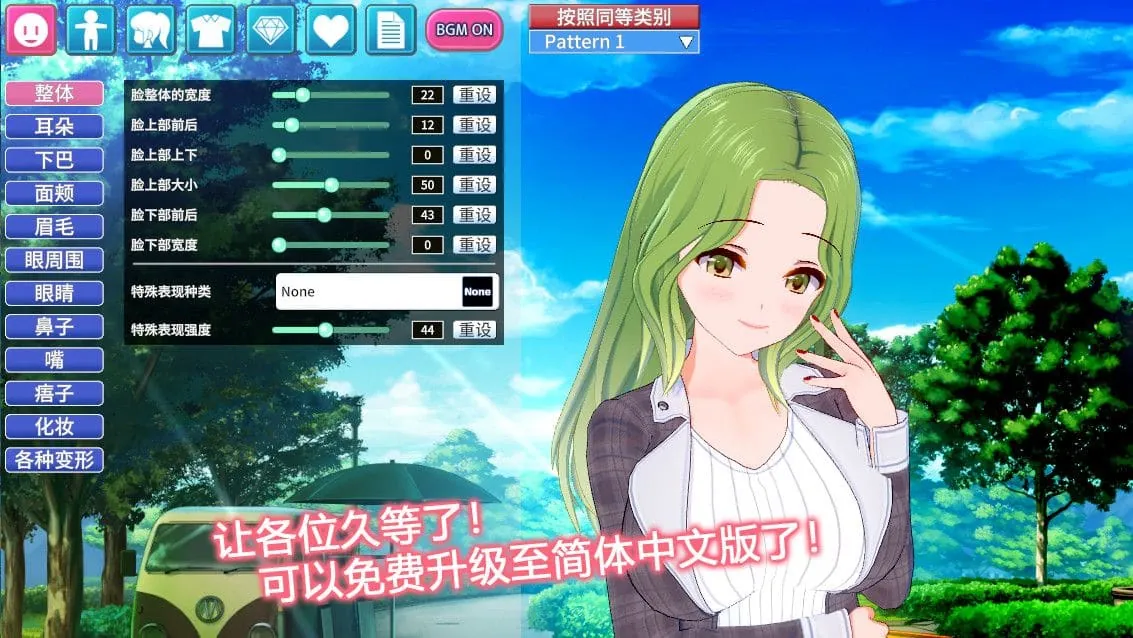
コイカツ! / Koikatsu Party Screenshots
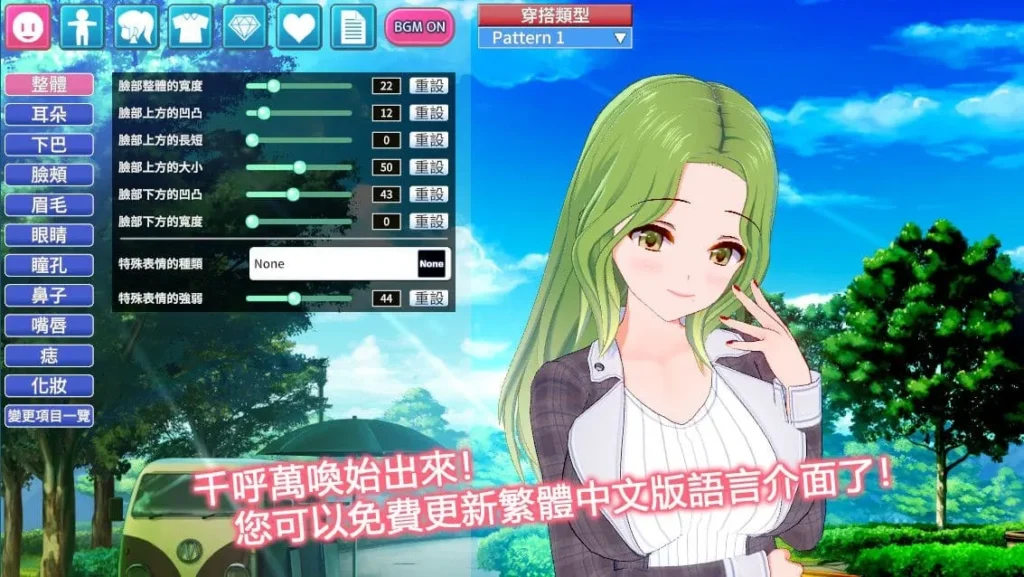
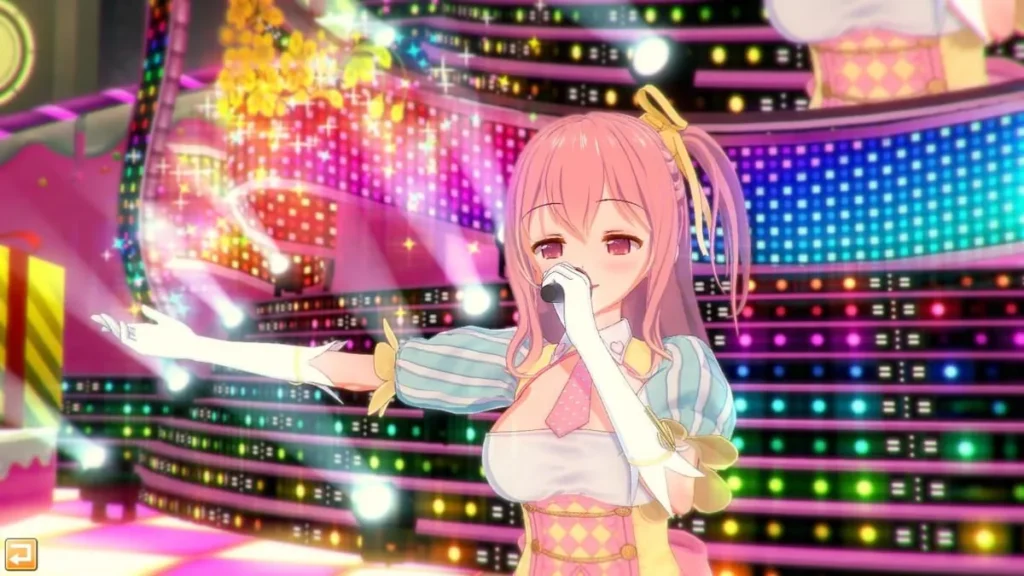
コイカツ! / Koikatsu Party review
Dive into Custom Anime Romance and School Life Adventures
Imagine stepping into a vibrant anime high school where you craft your dream waifu from scratch and build steamy romances that feel personal and immersive. That’s Koikatsu Party in a nutshell—a 3D romance simulator from Illusion that lets you customize characters with over 300 settings, explore school life, and unlock intimate encounters. I’ve spent countless hours tweaking faces, curves, and outfits, turning random students into perfect partners. Whether you’re new to the game or looking to max out your club, this guide shares my hands-on tips to make your Koikatsu Party experience unforgettable. Let’s get your ideal school adventure started!
Mastering Character Creation in Koikatsu Party
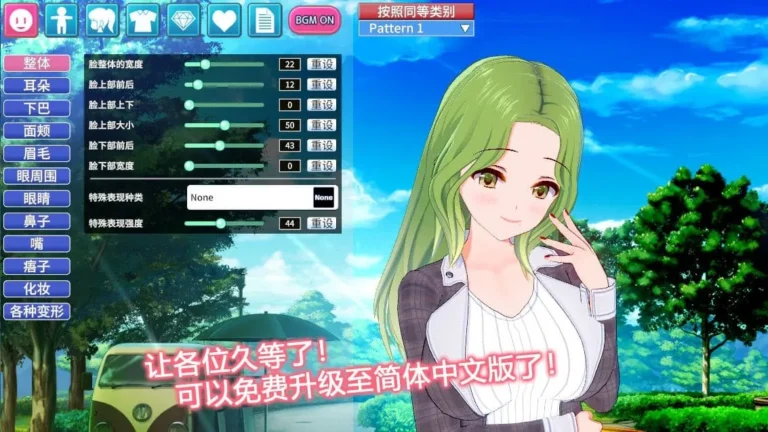
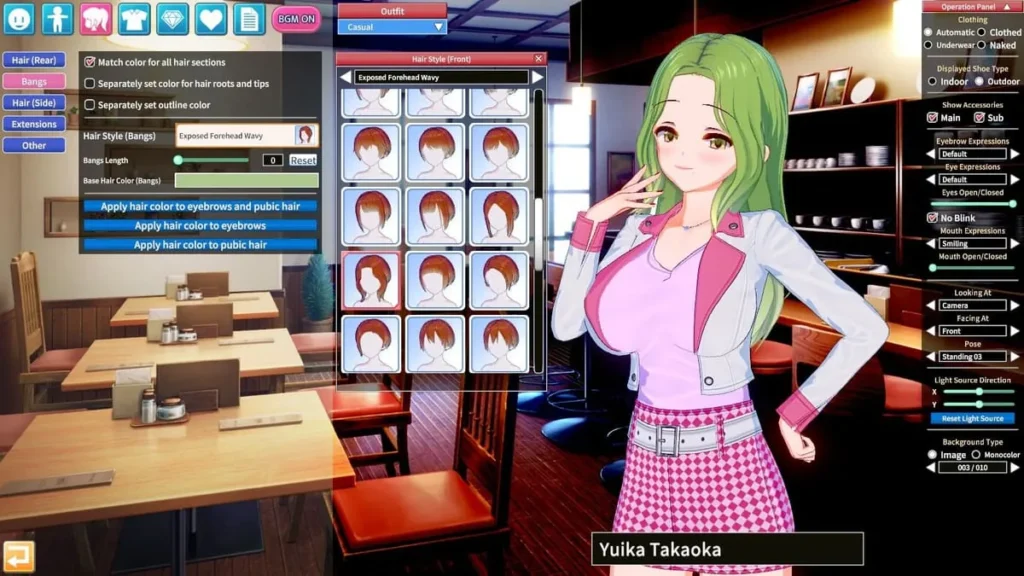
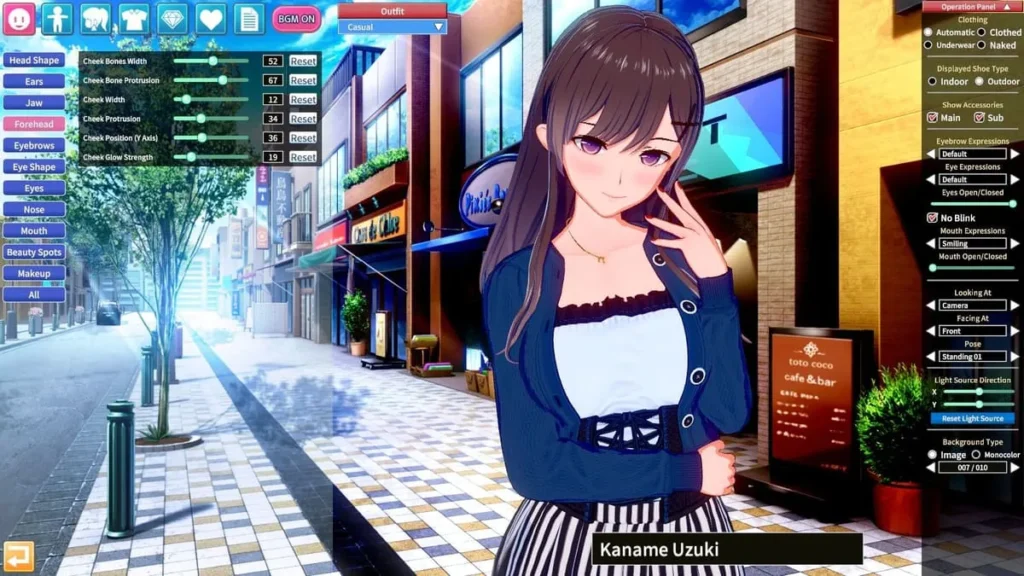
I remember staring at the screen, my mouse hovering over the ‘New Character’ button in コイカツ! / Koikatsu Party. The sheer possibility was overwhelming—and utterly thrilling. This wasn’t just picking a hair color from a list; this was the ultimate custom waifu maker at my fingertips. That first session, I spent hours, completely lost in a world of sliders. Adjusting the delicate arch of an eyebrow, the subtle blush on a cheek, the exact curve of a smile. I must have cycled through hundreds of Koikatsu Party customization settings, from deciding on striking heterochromia eyes to giving her cute, pointed elf ears. I remember tweaking her hips and waist until the silhouette looked just right, layer by layer, from skin tone to the frills on her socks. That moment of finally clicking ‘Save’ on a character that felt uniquely mine? Pure magic. ✨
That magic is what we’re diving into today. If you’ve ever wondered how to create characters in Koikatsu Party that truly capture your vision, you’re in the right place. This guide will take you from wide-eyed beginner to a confident creator, ready to bring your perfect anime companion to life.
How Do You Build Your Perfect Waifu from Scratch?
The anime character editor Koikatsu is famously deep, but don’t let that intimidate you. Think of it like sculpting: you start with a rough shape and refine it into a masterpiece. Your journey begins in the Character Maker, the heart of Koikatsu Party character creation.
Always start with the face. It’s the soul of your character! The face editor lets you control everything from the overall head shape down to the minutiae of each facial feature. Use your mouse to drag points on the face map for broad changes, but remember the scroll wheel is your best friend for micro-adjustments. Getting the eyes right is crucial—you can adjust their shape, size, tilt, and even the individual shine points to create everything from a fierce glare to a dreamy, loving gaze.
Once the face feels alive, move to the Koikatsu Party body customization. This is where personality really takes form. The sliders are incredibly intuitive but offer profound control. You’re not just setting a “large” or “small” option; you’re defining the exact volume, width, sag, and even the softness of each form. The same precise control applies to every part: the length and musculature of arms and legs, the shape of the hips, and the posture. My pro tip? Use the silhouette outline tool frequently. It helps you see the overall proportions without the distraction of skin textures or clothing, ensuring a balanced and aesthetically pleasing figure.
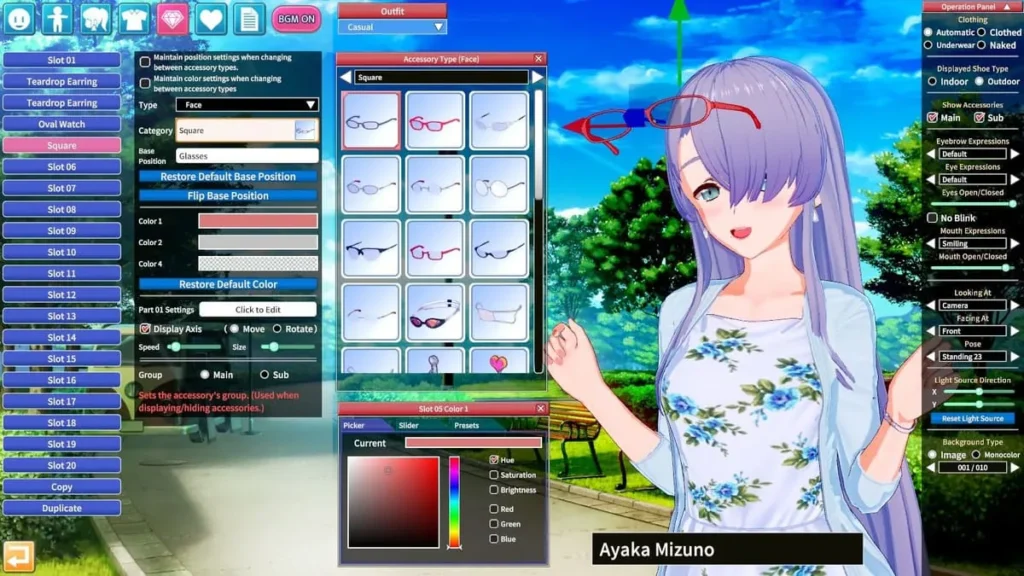
Then, you add the finishing touches that tell a story. The Accessories tab is a playground for fantasy elements—wings, halos, animal ears, and tails. The Skin & Body Details tab is where you add moles, tattoos, body blush, or that perfect sweaty sheen for a more dynamic look. This layered approach is the key to moving from a generic character to a unique person with history and vibe.
Personal Insight: I used to over-customize immediately, adding wild accessories before nailing the base. Now, I save the “fantasy” elements for last. A solid, well-proportioned base character can wear any story you give her later.
Unlocking Advanced Customization Options
You’ve mastered the sliders. Now, let’s unlock the true power of the Koikatsu Party customization settings. This is where your custom waifu maker aspirations go from great to legendary.
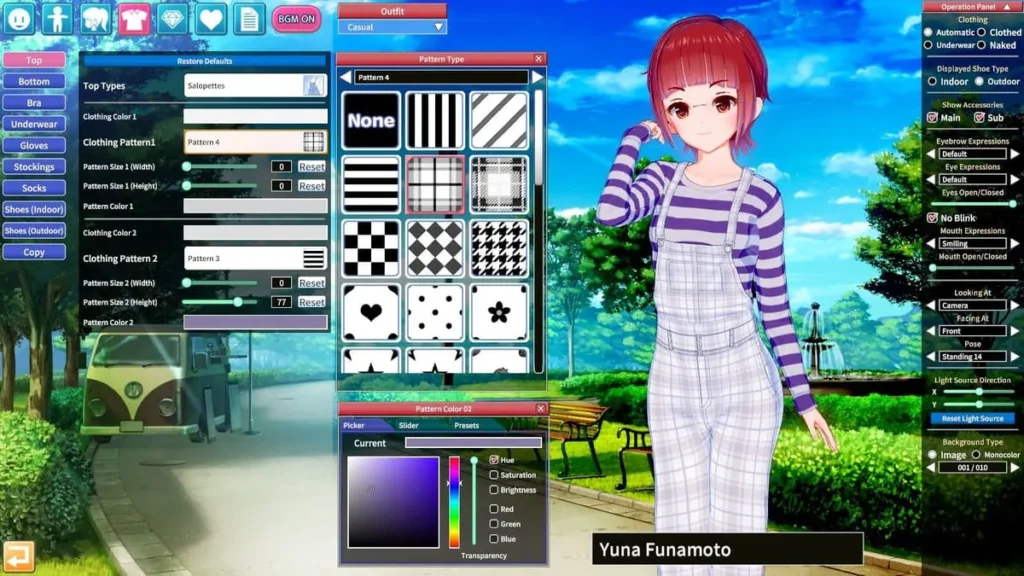
The real secret lies in the Overlays and Material Editor. Overlays let you paint custom details directly onto the skin or clothing—think unique tattoos, scars, custom makeup patterns, or even intricate lace textures on stockings. The Material Editor, however, is the wizard’s workshop. Here, you can change the fundamental properties of any surface. Is that hair too shiny? Make it matte. Does that dress look like cheap plastic? Add a subtle silk texture, adjust its reflectivity, and play with subsurface scattering to make it feel real. This control over light and texture is what separates a good character from a breathtaking render.
Lighting and shading are also part of your toolkit. While in-game, you can adjust ambient light, directional light, and even use studio modes to craft the perfect scene for your character. A well-placed rim light can make her pop, while a soft, warm glow can create an intimate, romantic atmosphere—perfect for those in-game moments.
Here are my top 10 quick tips for beginners looking to level up their Koikatsu Party character creation game:
- Start with the face shape before diving into individual features for better harmony.
- Use the scroll wheel over any slider for fine, precise adjustments.
- Master the silhouette view to check proportions without distractions.
- Save incremental presets! Name them “Face_v1,” “Body_v2,” etc., so you can backtrack.
- Experiment with the “Randomize” button on a single category (like eyes) for surprising inspiration.
- Adjust clothing physics for realism; a stiff skirt looks less natural than one with a bit of bounce.
- Utilize the “Copy/Paste” feature for symmetry or to apply a favorite eye style to a new character.
- Play with skin overlays for unique complexions like faint freckles or sun-kissed gradients.
- Don’t ignore eyebrows and eyelashes; subtle changes here dramatically affect expression.
- Join community hubs to download and reverse-engineer the best Koikatsu Party presets to learn new techniques.
Tips for Realistic Anime Looks and Outfits
Creating a character is one thing; making her feel like she could step out of your favorite anime or into your school life story is another. It’s all about the details and how you integrate her into the world of コイカツ! / Koikatsu Party.
First, consider cohesion. If you’re creating a student for the in-game school, look at the default uniforms and the game’s art style. Your custom outfits should feel like they belong in that world, even if they’re unique. Use the game’s extensive clothing layers—you can combine shirts, jackets, ties, and skirts in endless ways. Pay attention to small accessories like hair clips, socks, and shoes; they complete the look.
Speaking of school life, the integration is seamless. Once you save your character, you can immediately add her to your class. The game allows you to randomize entire classrooms or painstakingly populate them with your creations. I once built an entire club of original characters, each with a tailored personality set in the game’s AI system—the shy bookworm, the energetic team manager, the stern but caring president. This wasn’t just Koikatsu Party character creation; it was world-building. Seeing them interact in the hallways, each with the unique appearance I designed, made every playthrough feel personal and engaging. You can even craft characters inspired by your favorite personalities from other series (thinking of a fierce leader like Azula or an elegant heiress like Rias Gremory) and drop them into your own narrative.
The final, crucial step is presentation. The in-game visuals are nice, but using high-quality post-processing shaders (available through the community) can make your characters look truly lifelike in screenshots and scenes. These shaders improve skin rendering, ambient occlusion, and bloom effects, making your careful Koikatsu Party body customization and facial work shine.
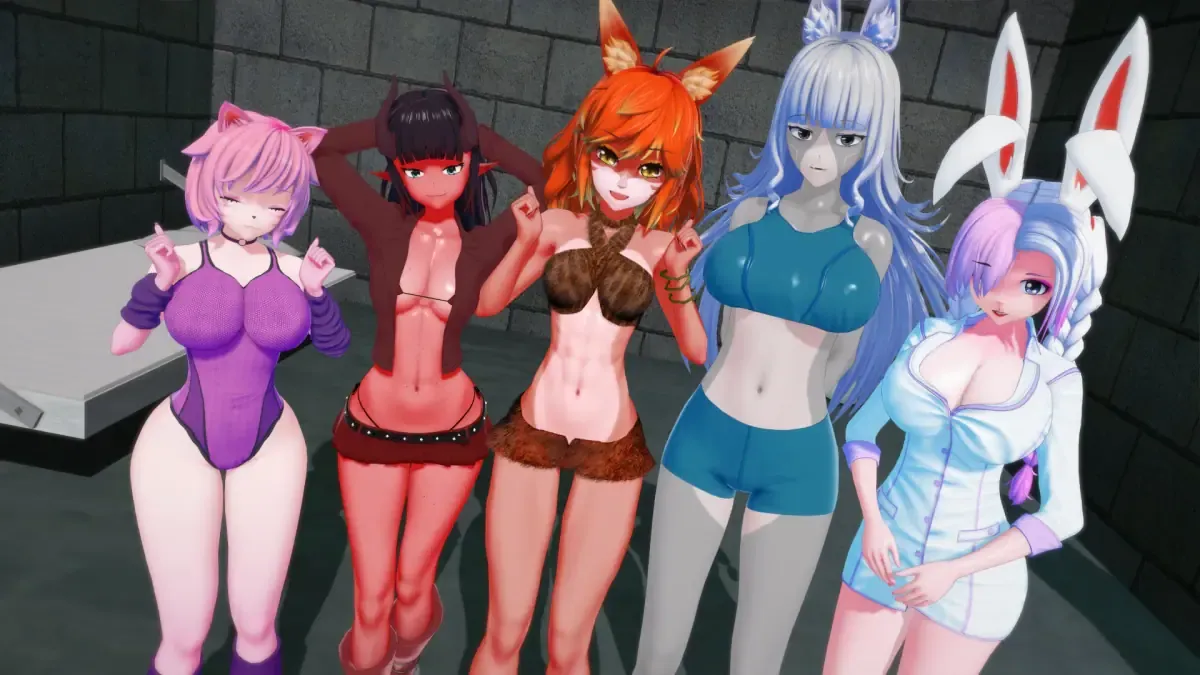
A Quick Case Study: In my most memorable playthrough, I focused on creating a small drama club of five distinct students. One had a bold, asymmetrical haircut and sharp eyeliner I crafted in the material editor. Another had a softer look, with a custom blush overlay and a hand-painted starry knee sock design. Because I invested time in their visual design and saved them as my own best Koikatsu Party presets, I was deeply attached. This made every in-game event, every romance option, and every club activity exponentially more rewarding. The custom waifu maker tools directly fueled my engagement with the game’s stories.
Remember, how to create characters in Koikatsu Party is a journey of playful experimentation. Start simple, embrace the process, and let your imagination guide you through those hundreds of sliders. The perfect waifu is waiting in there—you just have to find her.
| Feature | Basic Tools | Advanced Options | Pro Tip |
|---|---|---|---|
| Face Sculpting | Pre-set shapes, size/position sliders for eyes, nose, mouth. | Direct vertex manipulation on a 3D grid, independent control of each eye/eyebrow. | Use the symmetry lock for balanced features, but turn it off for unique asymmetrical charm. |
| Body Proportions | Broad sliders for height, breast, hip, and limb size. | Micro-sculpting of individual muscle groups, fine control over torso taper and shoulder slope. | Always check the side and front silhouettes separately to ensure a naturally proportioned figure. |
| Skin & Details | Choice of base skin tones and pre-made makeup/blush. | Multi-layer overlay system for custom tattoos, scars, body blush, and complexions; Material Editor for skin shine/roughness. | A subtle overall body blush overlay can make skin look much more lifelike than the default flat tone. |
| Hair & Accessories | Select from library of hair styles and static accessories. | Material Editor to change hair shine/color gradients; physics settings for accessory movement. | Adjust the “highlights” and “specular” values in hair material to avoid a plastic or greasy look. |
| Clothing & Outfits | Wear pre-made outfits and adjust basic colors. | Combine clothing layers freely; paint custom patterns and textures; control physics for each garment piece. | For school uniforms, slightly increase the “bounce” and “stiffness” values on skirts for realistic movement. |
Koikatsu Party transforms simple school sims into a playground of endless customization and heartfelt connections, from crafting your ultimate waifu to unlocking deeper interactions through club activities and story modes. My favorite moments came from building a full roster of personalities and watching romances unfold naturally—it’s addictive. Ready to dive in? Grab the game, fire up the creator, and start your own anime adventure today. Share your custom creations in the comments; I’d love to hear your stories!